


Smarter Dashboards
AI assisted, supercharged dashboard solution for your Smartsheet data. Or SQL or Google Sheets… actually pretty much any data source.
Visualise your data dynamically in real-time.
Filterable Smartsheet dashboards
Controlled access to underlying data
Multiple authentication models
Inline data editing
AI assisted configuration
Check out our Smarter Dashboards demo video
Core Benefits
Agile business intelligence
Use live filtering to slice and dice your data in multiple directions simultaneously and gain access to insights in real time.
Low barrier to uptake
An intuitive interface and AI assistance means you can get up and running in no time at all and your teams will enjoy the familiar feel and function.
A dashboard for everyone
Add new Views to your dashboard to provide insights to different roles throughout the organisation.
All your data in one place
You can load data from multiple sources such as Smartsheet sheets and reports, SQL databases, or even spreadsheets giving you insights to all your data through a single pane of glass.
Extensive collaboration
Flexible authentication lets you share data with stakeholders from inside or outside your organisation including data submission and editing.
Scalable
Responsive licensing allows you to grow at your own pace without over-commitment. Simply upgrade or downgrade your license as and when you need to.
Flexible Design
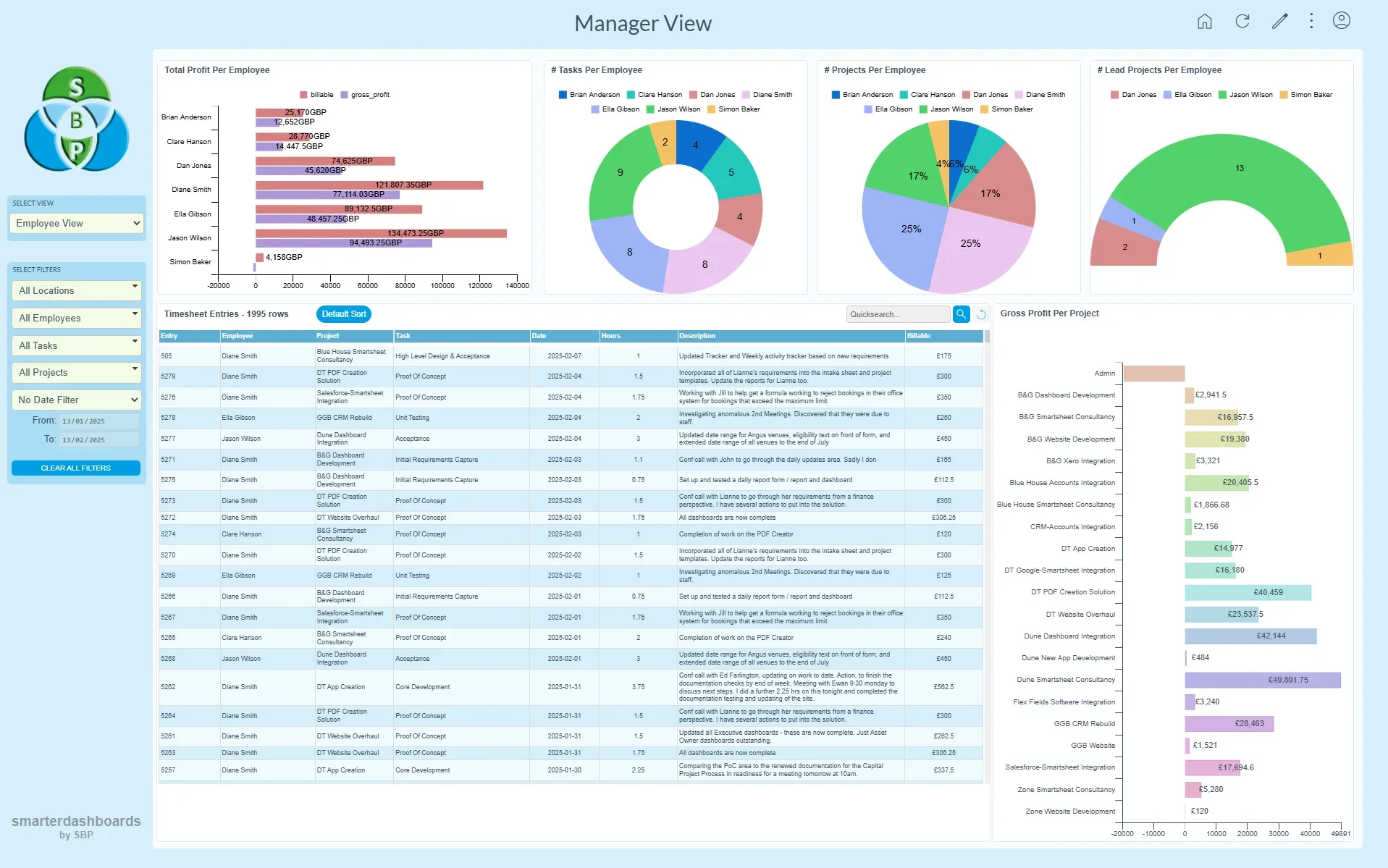
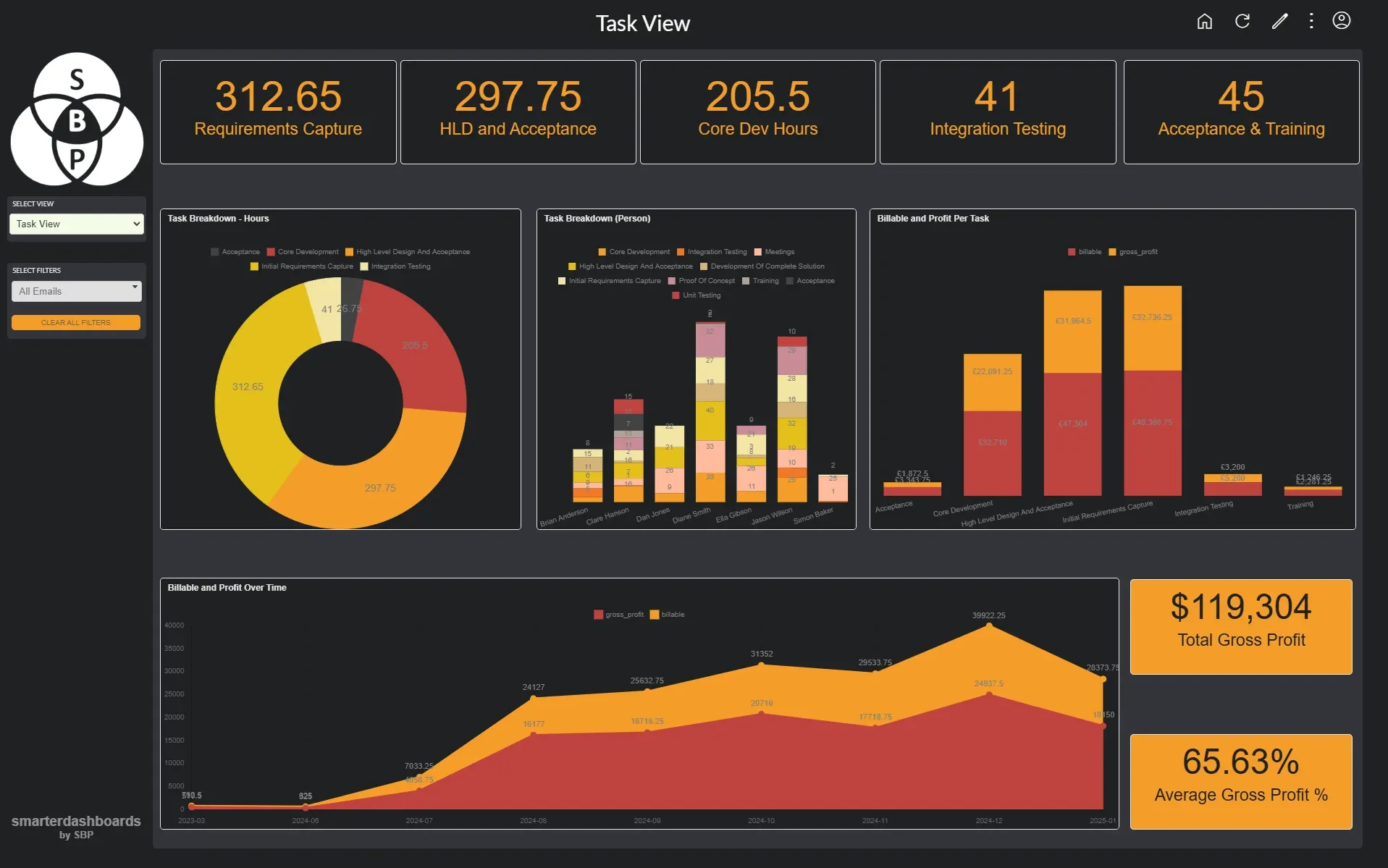
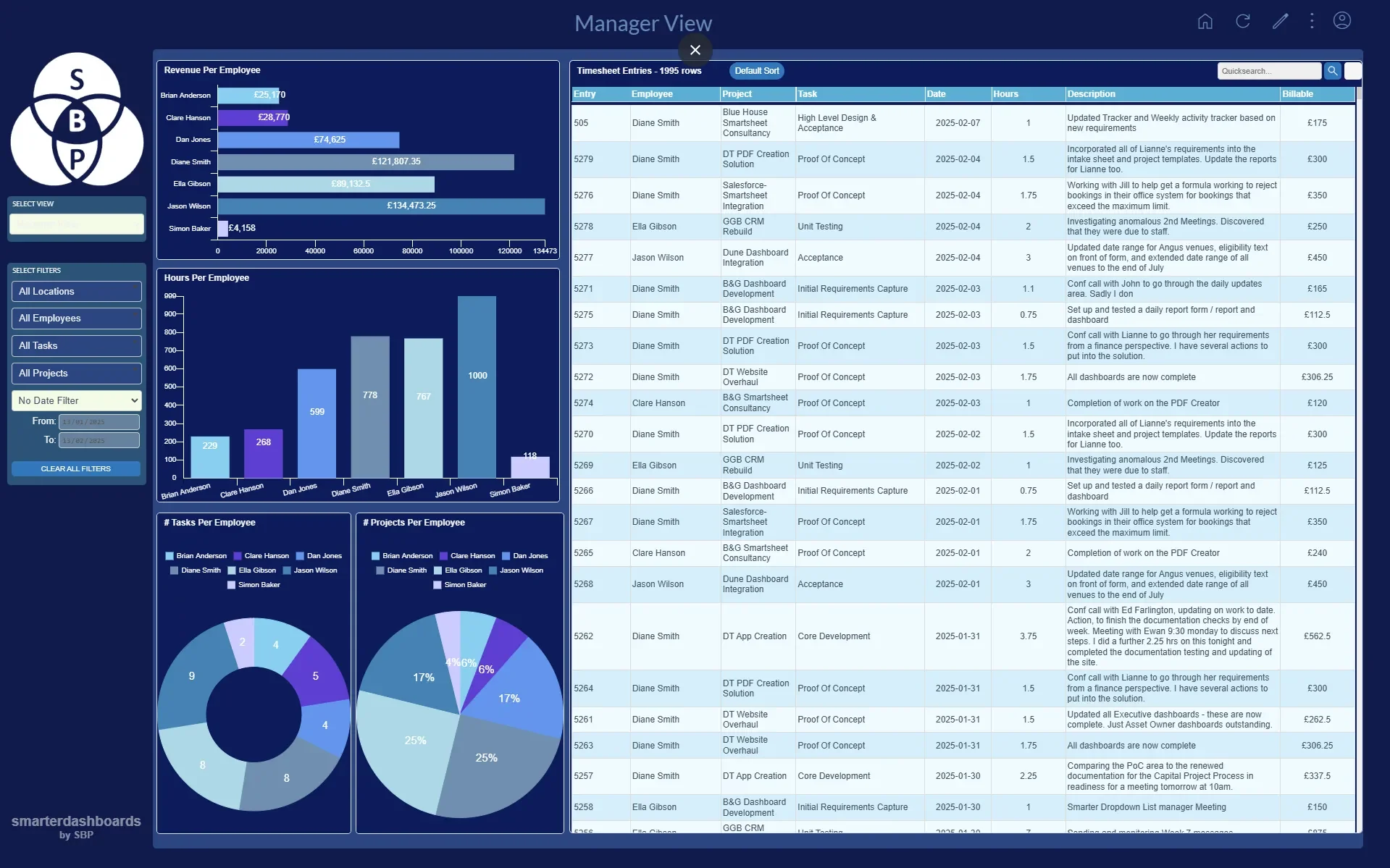
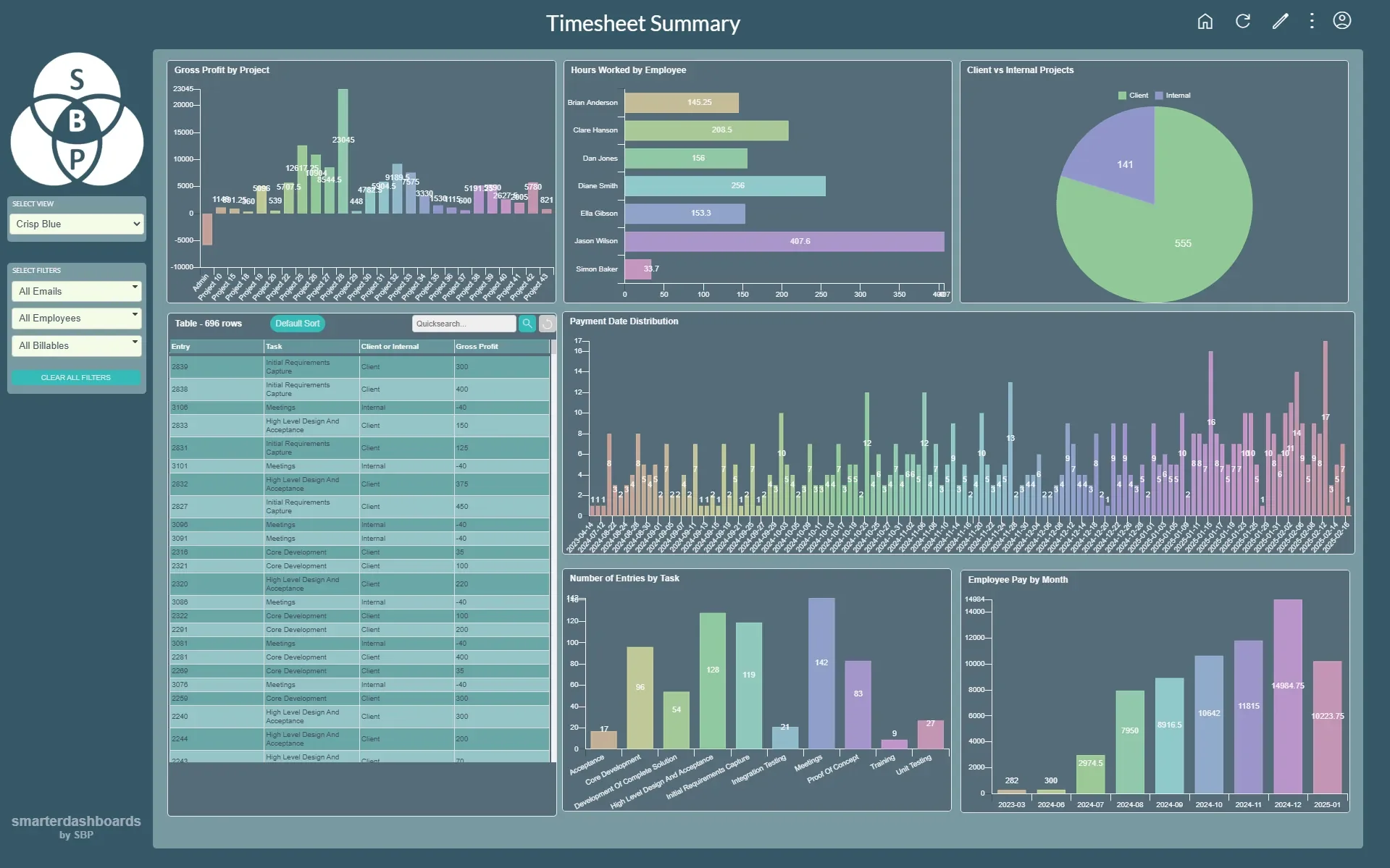
Example use cases
Project managers need to see and update just their own data
Set up a single view with a table widget showing the required columns. Set the view to show Current User data only and make the right columns editable. Other PM rows are not visible and no-one needs to be shared to underlying data.
You have a large amount of data spread across multiple Smartsheet sheets
We could use a Smartsheet report to collate the data into one place then sync this report with a SQL database on our server. Smarter Dashboards will read the data from SQL, not directly from Smartsheet, so it’s much quicker to load.
You need to show the same data set to different stakeholders with their own needs
Set up a view for each user type to reflect their individual requirements. Allocate views to user groups to provide the appropriate insights to each team.
What do our clients think about Smarter Dashboards?
Frequently Asked Questions
-
Yes, but… Smartsheet’s dashboards are great for basic use but are static. Smarter Dashboards provides a much more dynamic experience with live filtering and inline editing
-
Just head over to www.smarterdashboards.net. If you have a Smartsheet account, you can just sign in with that. Then simply point Smarter Dashboards to the sheets or reports you want to visualise, and you’re away.
-
Absolutely. You can have a 14 day trial with no obligation whatsoever. If you need longer to properly evaluate the product, or to get the right people in the room to give you the thumbs up, talk to us and we can work something out.
-
You certainly can. We offer an hour of free consultancy to help you get started. There is also a Getting Started video that leads you through the creation of a standard dashboard view. If you would like more assistance, we can offer an expert consultancy package, where we will analyse your data and set your dashboards up for you in quick order.
-
The dashboard owner (and anyone they make an admin) can add, change and remove views, filters, charts and tables, customise the colour scheme, specify which users can see what, amongst many other aspects.
-
Smarter Dashboards currently integrates with Smartsheet, SQL and Google sheets. Airtable integration is on the product roadmap.
How does Smarter Dashboards make Smartsheet even Smarter?
Smarter Dashboards is so much more dynamic meaning you only need to create one dashboard and everyone can use live filters to change focus. Here’s how Smarter Dashboards could be better for you:
Can I filter my dashboard?
Smarter Dashboards => Yes you can! Live filtering allows for laser focus
Smartsheet => No, you’d need to create new dashboards based on different data sets
Can I view data from other sources?
Smarter Dashboards => Yes! You can currently load data from SQL and Google Sheets. Drop us a line if you need data from other places too.
Smartsheet => not directly, you would need a Premium App such as Data Shuttle.
Do all my users need a Smartsheet licence to edit the data?
Smarter Dashboards => Not necessarily, we can authenticate in a number of ways and use a single token to interact with Smartsheet
Smartsheet => Yes, each user will need at least Editor rights which will need a Smartsheet license.